
ReadCube Query Builder
1 min read
Query Builder enhances the search function by letting you construct detailed, precise search queries using various parameters and logical operators. The search Query Builder helps you find more relevant scientific articles based on specific search criteria.
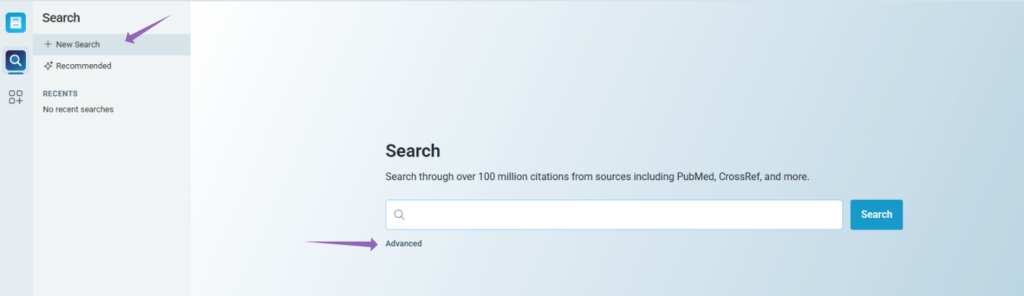
To access this feature, go to “Search” in the left-hand menu of the web app and click “Advanced.”
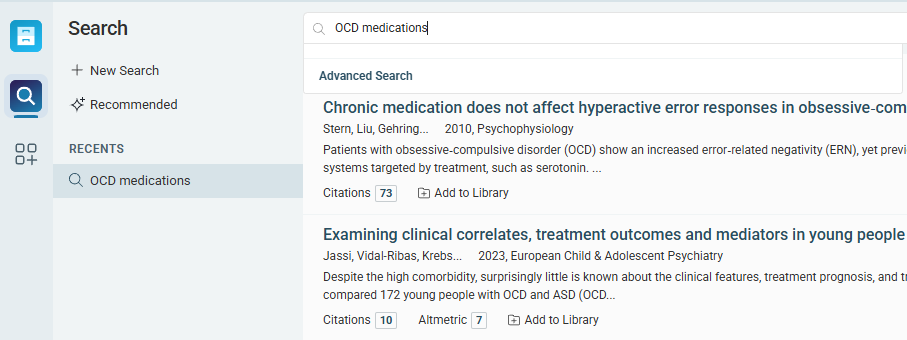
Or, use the drop-down menu in the text box of your search results.
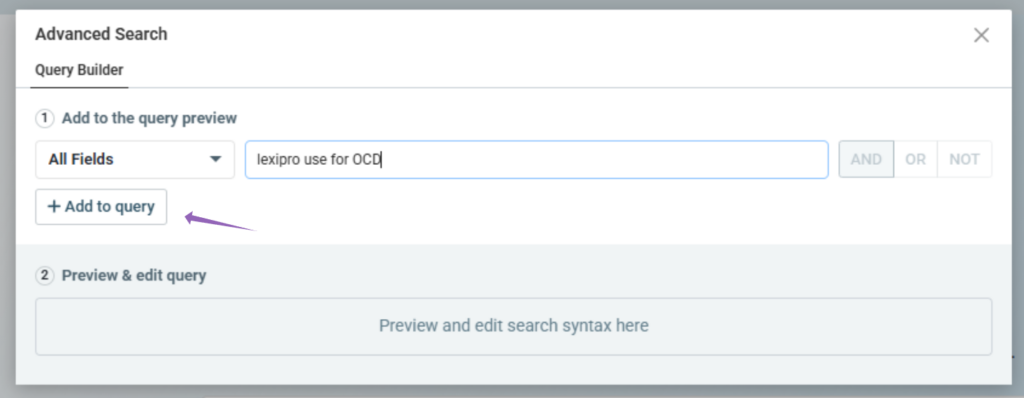
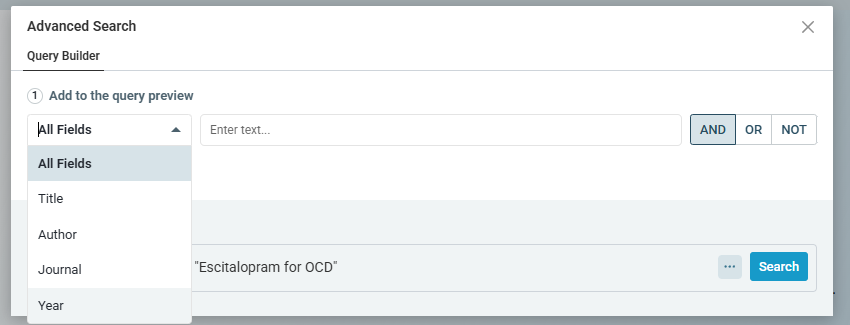
Once Advanced Search is open, you can choose whether your search should focus on all metadata or a specific field, such as author, journal, or year of publication, followed by the terms you’re looking for. For example:
Here, we’re searching for “Lexapro use for OCD.”
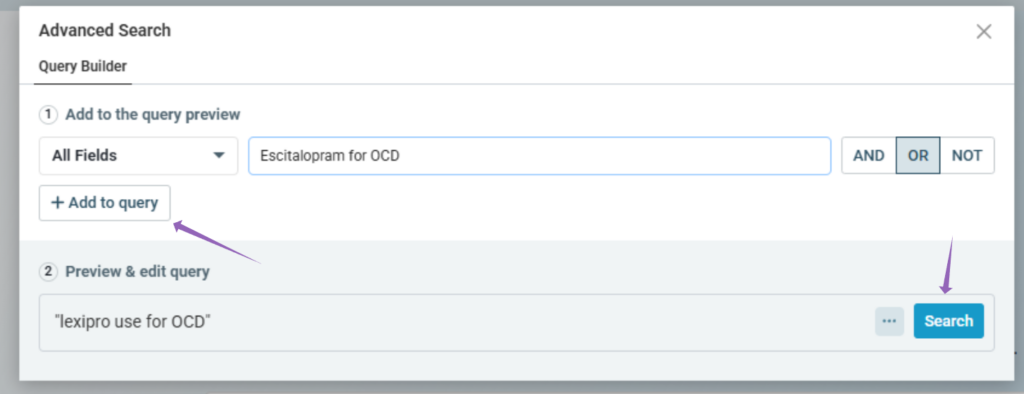
You can search for that term alone, or add another query to make your search more specific. For example, here we’ve added OR “Escitalopram for OCD.”
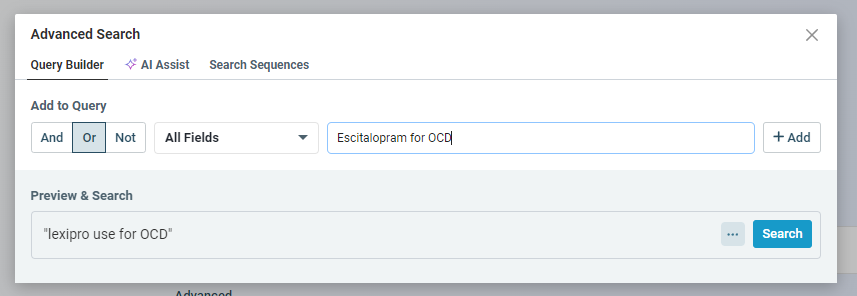
Click “Add to query” on the left-hand side to add your new query to the original:
You can continue adding as many parameters as you’d like. For instance, here’s the same example with a specific date range added:
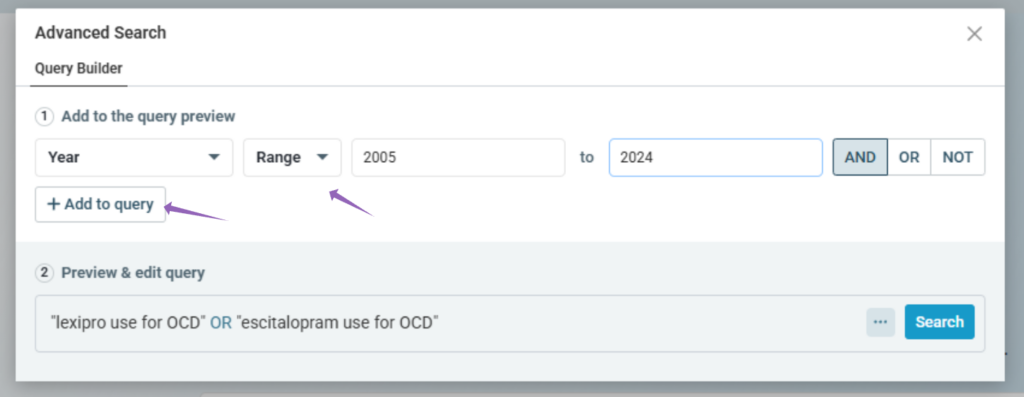

And now you’re ready to search!
If you have any questions, please reach out to us at ReadCube Support


